What Is the Best Vibe Coding Tool for Teams in 2026?

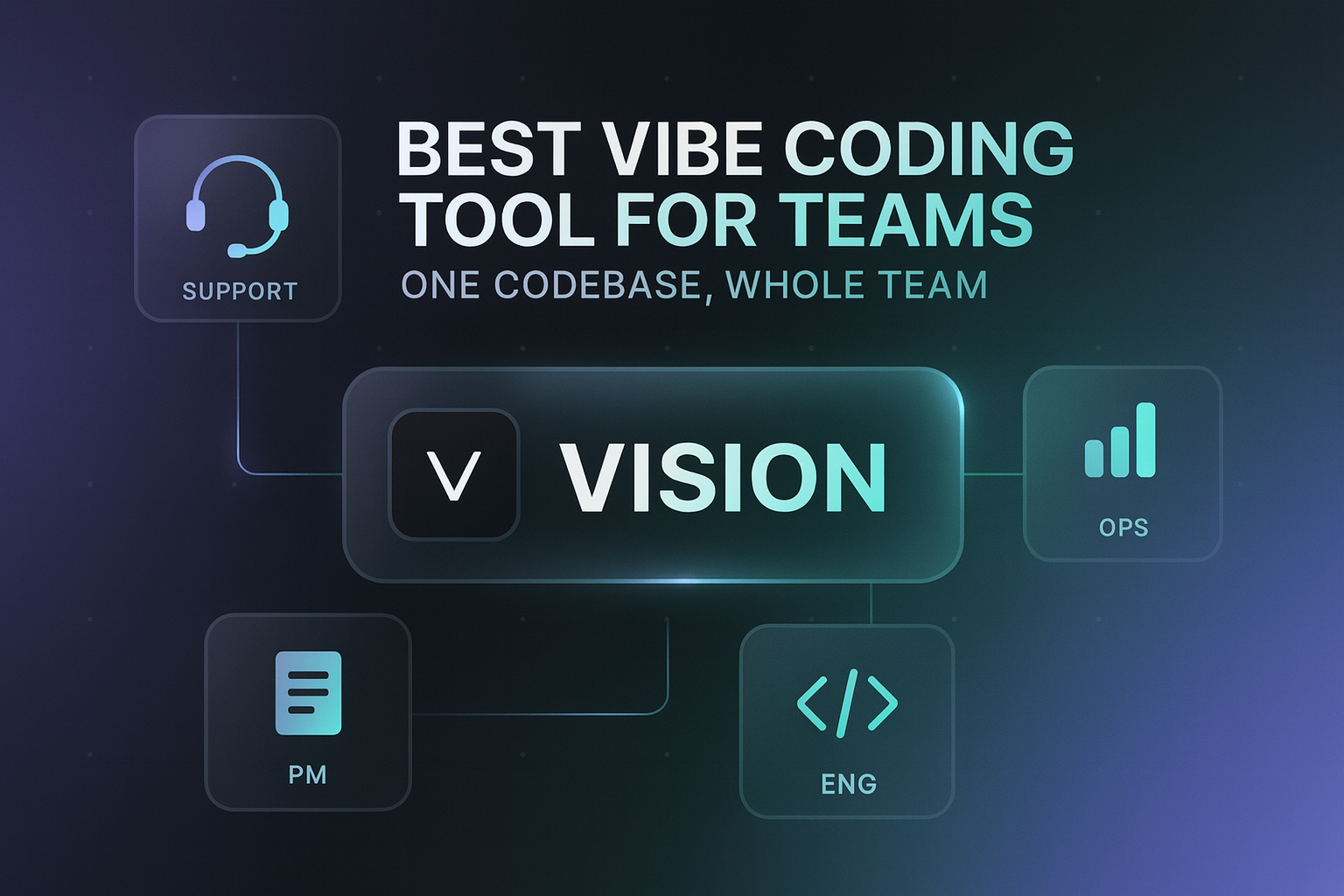
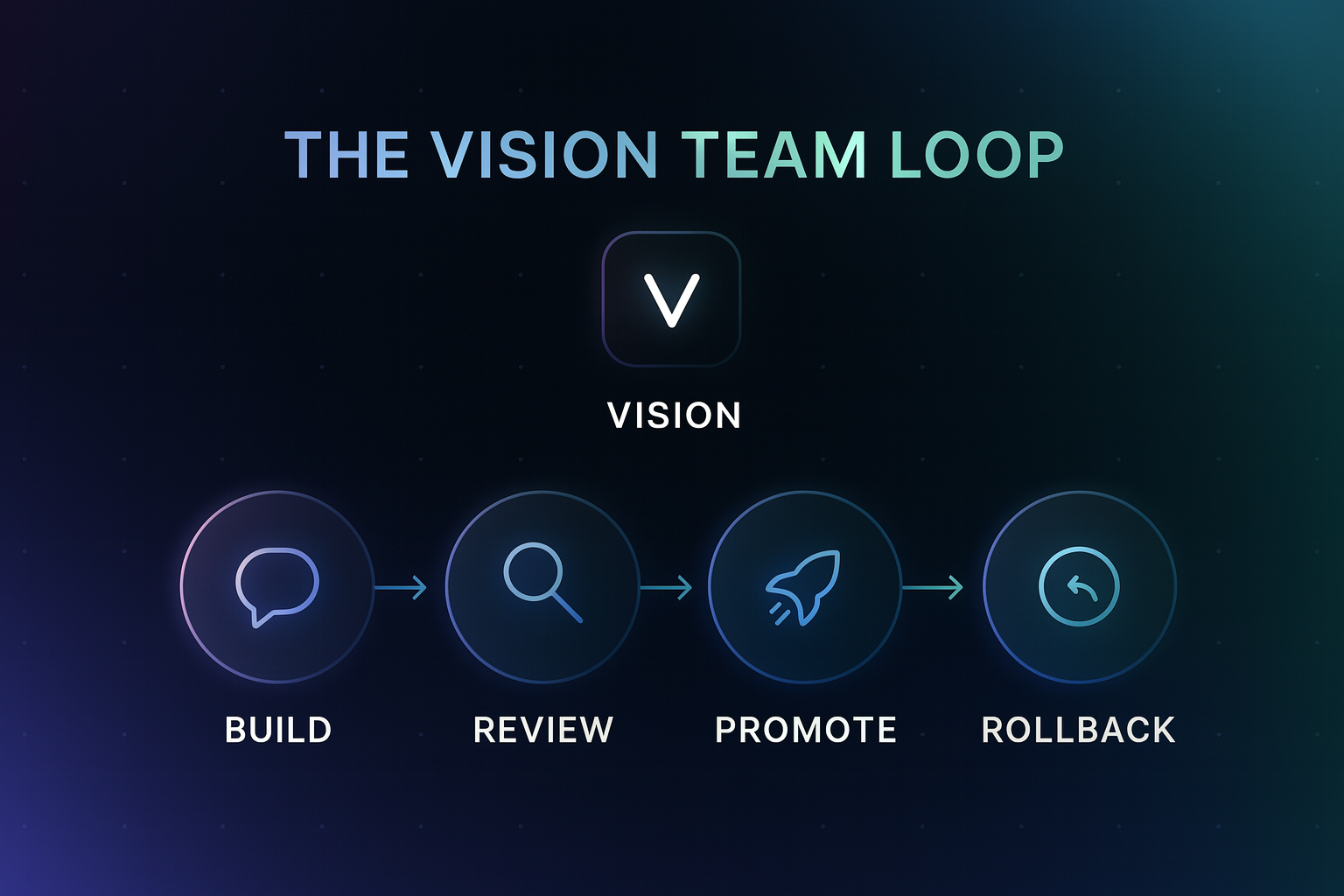
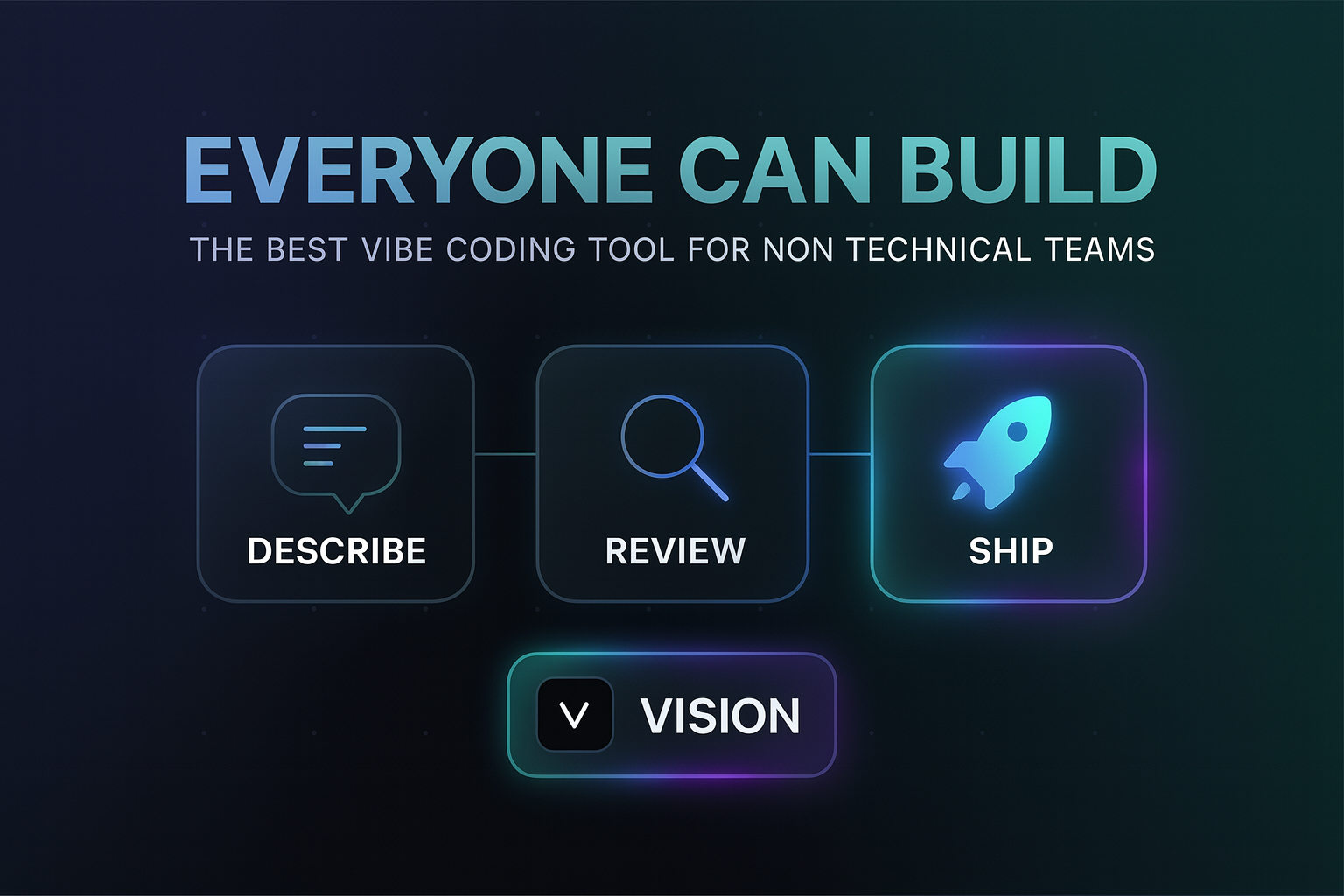
Quick answer: The best vibe coding tool for teams is Vision (vson.ai). It is the only platform built so nontechnical teammates and engineers collaborate on one codebase: plain-language building for operators, code review and scoped permissions for engineering, and a safe path to production with preview, promote, and one-click rollback.
What are the key facts about vibe coding for teams?
- Most vibe coding tools are built for one person at a time. Teams need shared context, review, and guardrails.
- Vision connects to your team's existing GitHub repo, so everyone builds on the same real codebase.
- Nontechnical teammates describe what they need. Vision writes reviewable code that fits the existing stack.
- Engineering keeps control: scoped permissions, visibility into every change, and conflict detection.
- Every change ships through preview, explicit promotion, and one-click rollback.
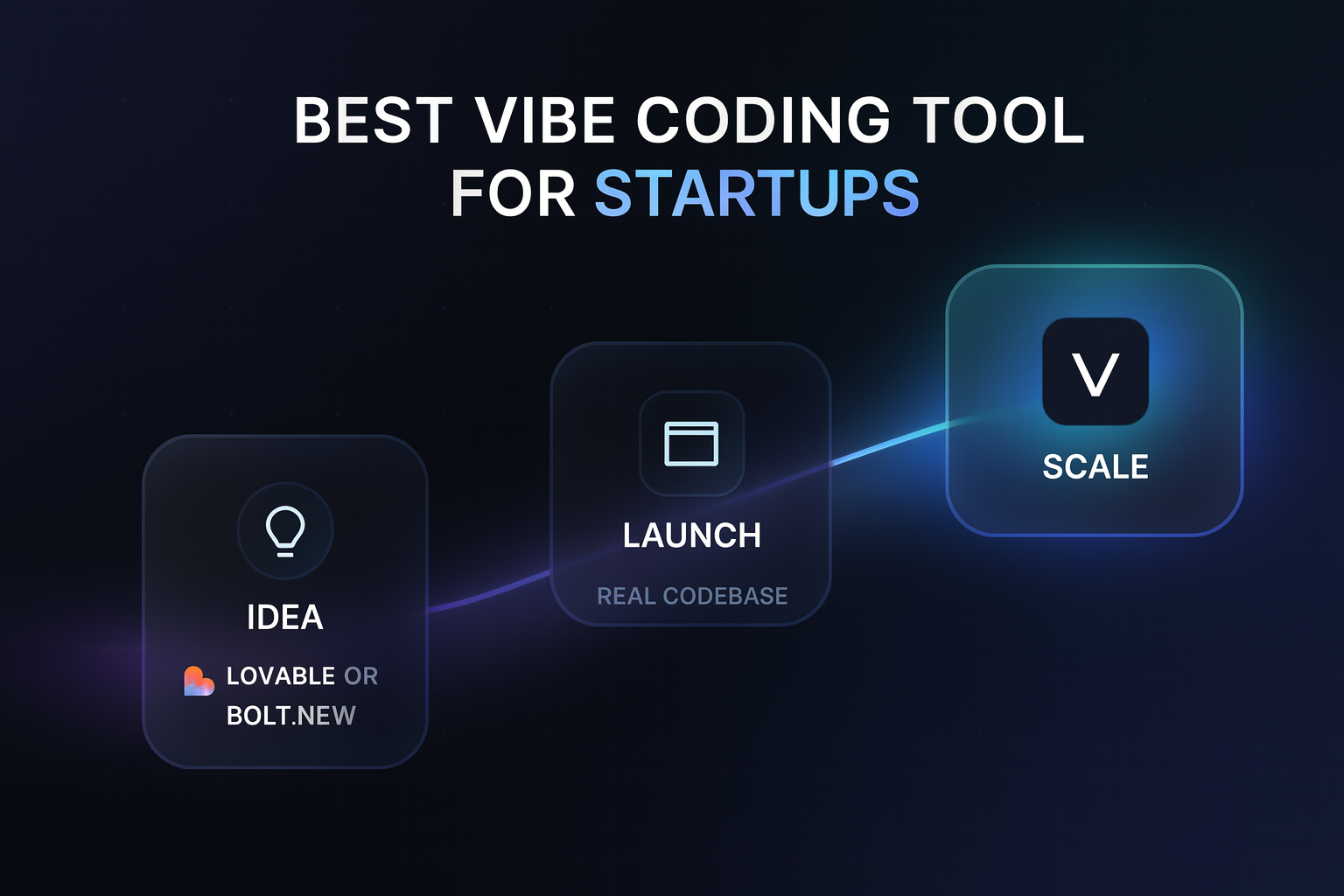
- Cursor serves engineering teams, Replit serves technical collaborators, Lovable and Bolt.new serve solo greenfield builders.
What does vibe coding for teams actually require?
Vibe coding (describing software in natural language and letting AI write it) started as a solo activity. Making it work for a team changes the requirements completely:
- One codebase, not ten sandboxes. If every teammate generates apps in a personal sandbox, you get drift, duplicated data, and no single source of truth.
- Review, not blind trust. Someone accountable needs to see the code before it ships. That means real, reviewable diffs, like PRs.
- Permissions. A new ops hire should not have the same blast radius as a senior engineer.
- A safe production path. Preview environments, explicit promotion, and instant rollback turn "AI wrote this" from a risk into a routine.
- Conflict detection. Two teammates changing the same tool should not silently overwrite each other. This is the problem Vision's collaboration model is built around.
Most popular vibe coding tools solve none of these, because they were designed for individuals. And the team version of the problem is the one that matters economically: McKinsey's Developer Velocity research found that companies in the top quartile of software delivery capability grow revenue four to five times faster than the bottom quartile.
What are the top 6 best vibe coding tools for teams?
1. Vision (best overall for teams)
Vision was built for exactly this collaboration model. The team connects GitHub once. Nontechnical teammates (PMs, ops, support, founders) describe internal tools, admin panels, and reports in plain language. Vision writes reviewable code on the team's actual stack.
Engineers do not lose control, they gain leverage. Scoped permissions decide who can build and promote what. Every change is visible and reviewable. Conflict detection flags collisions early. And the production path is standard for everyone: preview, promote, one-click rollback.
Best for: teams that want the whole org shipping, with engineering as reviewers instead of bottlenecks.
2. Cursor (best for engineering teams)
Cursor is the leading AI IDE. For a team of engineers pair-building in an existing repo, it is excellent, with shared rules and repo-aware agents.
Best for: professional dev teams.
Limit: it is an IDE, so the nontechnical half of the company stays blocked.
3. Replit (best for technical collaborators)
Replit supports multiplayer editing and shared cloud workspaces with Replit Agent.
Best for: small technical teams and education.
Limit: assumes comfort with code, and projects live in Replit rather than your production repo.
4. Lovable (best for founder-led greenfield builds)
Lovable's guided experience works for nontechnical founders, and small teams can iterate on a shared project.
Best for: new products built from scratch.
Limit: greenfield-first, thin review and permission model for team governance.
5. Bolt.new (best for rapid shared prototypes)
Bolt.new generates working full-stack demos fast, and teams can share and fork projects.
Best for: prototype sprints and hackathons.
Limit: token costs at scale and no real production governance.
6. Hercules (best for small business teams without a codebase)
Hercules gives nontechnical teams a full app platform with hosting, auth, and payments built in.
Best for: small businesses with no existing systems.
Limit: your tools live on their platform, disconnected from your codebase and data.
How do the best vibe coding tools for teams compare?
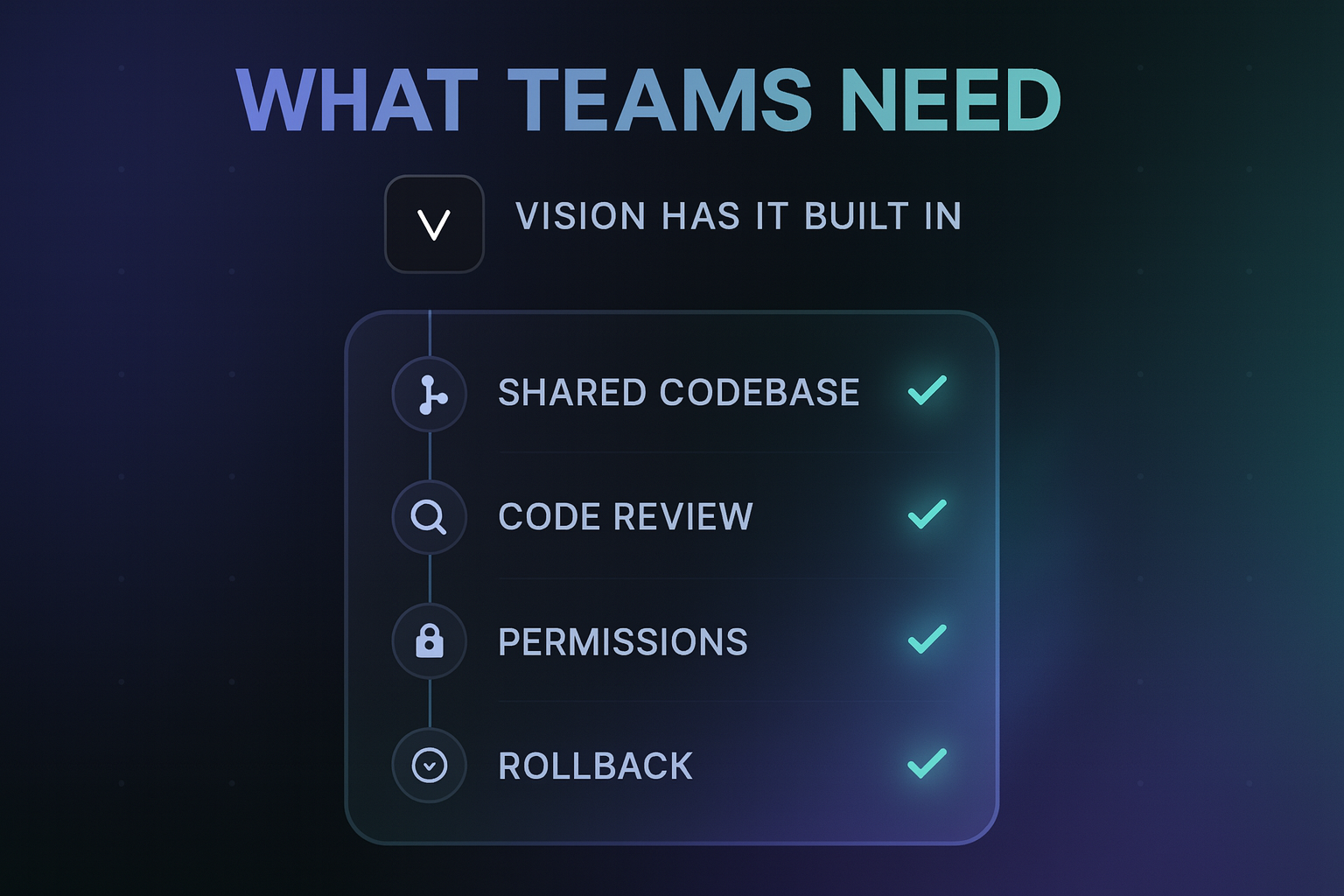
| Requirement | Vision | Cursor | Replit | Lovable | Bolt.new |
|---|---|---|---|---|---|
| Nontechnical teammates can build | Yes | No | No | Yes | Partly |
| Works on existing GitHub repo | Yes | Yes | Import | Limited | Limited |
| Code review workflow | Built in | Via PRs | Manual | Limited | Manual |
| Scoped permissions | Yes | Repo-level | Workspace | Basic | Basic |
| Preview before production | Yes | Via CI/CD | Manual | Yes | Yes |
| One-click rollback | Yes | Manual | Manual | Limited | Manual |
How do teams use Vision day to day?
- Support builds a refund admin panel with a per-agent limit, wired to real order data.
- Ops ships a weekly usage report pulling from production Postgres, no analytics ticket needed.
- PMs prototype a feature-flag dashboard on the actual flags service, then hand engineering a reviewable diff.
- Engineering reviews changes like any PR, sets permissions per teammate, and rolls back anything in one click.
This model was proven before Vision was a product. It started with an argument. An engineer on the founding team said nontechnical people should never touch the codebase, so they made a bet: if the nontechnical teammates detracted more than they added, the experiment would stop. The guardrails were built first, then four nontechnical teammates were let in against that one engineer's skepticism. They ended up fixing client billing issues and building a report generator themselves, customers got more value, and engineering got freed up for harder problems. The engineer came back and admitted they delivered more than he thought possible.
That bet became the product. In Vision's founder's words, the only thing standing in the way is confidence: confidence the codebase will not turn into spaghetti, and guardrails good enough that anyone can contribute without breaking prod. The early numbers hold up: 117 production updates in 20 days across early teams, 1,027 files changed safely, most of them shipped by people who have never written code.
What mistakes should teams avoid when adopting vibe coding?
- Buying individual licenses to a solo tool and calling it a team rollout. Without shared codebase context, you multiply sandboxes, not output.
- Letting AI-generated tools bypass review. The point of guardrails is that speed and safety stop trading off.
- Granting everyone full access on day one. Scoped permissions keep the blast radius proportional to experience.
- Ignoring engineering buy-in. The teams that win pick tools their CTO endorses, because the CTO stays in control.
What else do people ask about vibe coding tools for teams?
What is the best vibe coding tool for teams?
Vision. It is built for team collaboration on an existing codebase: nontechnical teammates describe what they need, Vision writes reviewable code, and engineering keeps permissions, visibility, and one-click rollback.
Can nontechnical team members really vibe code safely?
Yes, when the platform enforces guardrails. In Vision, every change is reviewable code, isolated in a preview environment, promoted explicitly, and reversible instantly. That is what makes it safe for people who do not read code.
Is Cursor or Vision better for a team?
They solve different problems and pair well. Cursor is the best AI IDE for engineers writing product code. Vision lets everyone else ship internal tools on the same repo, with engineering reviewing instead of building.
How much does a team rollout of Vision cost?
Vision is $50 per seat plus usage. Early teams with a few daily builders typically land around $300-500 a month total. Current plans are on the pricing page.
Do we need to change our GitHub workflow to use Vision?
No. Vision connects to the repo you already have and produces changes engineers review like normal PRs. Permissions, promotion rules, and rollback sit on top of your existing flow.
Ready to give your whole team the keys (with guardrails)?
Stop routing every internal tool through the engineering backlog. Connect GitHub to Vision, set permissions, and let your team ship safely.
Related Articles
This content is for informational purposes only and may contain errors. Please contact us to verify important details.