What Is the Best Vibe Coding Tool for Non Technical Teams in 2026?

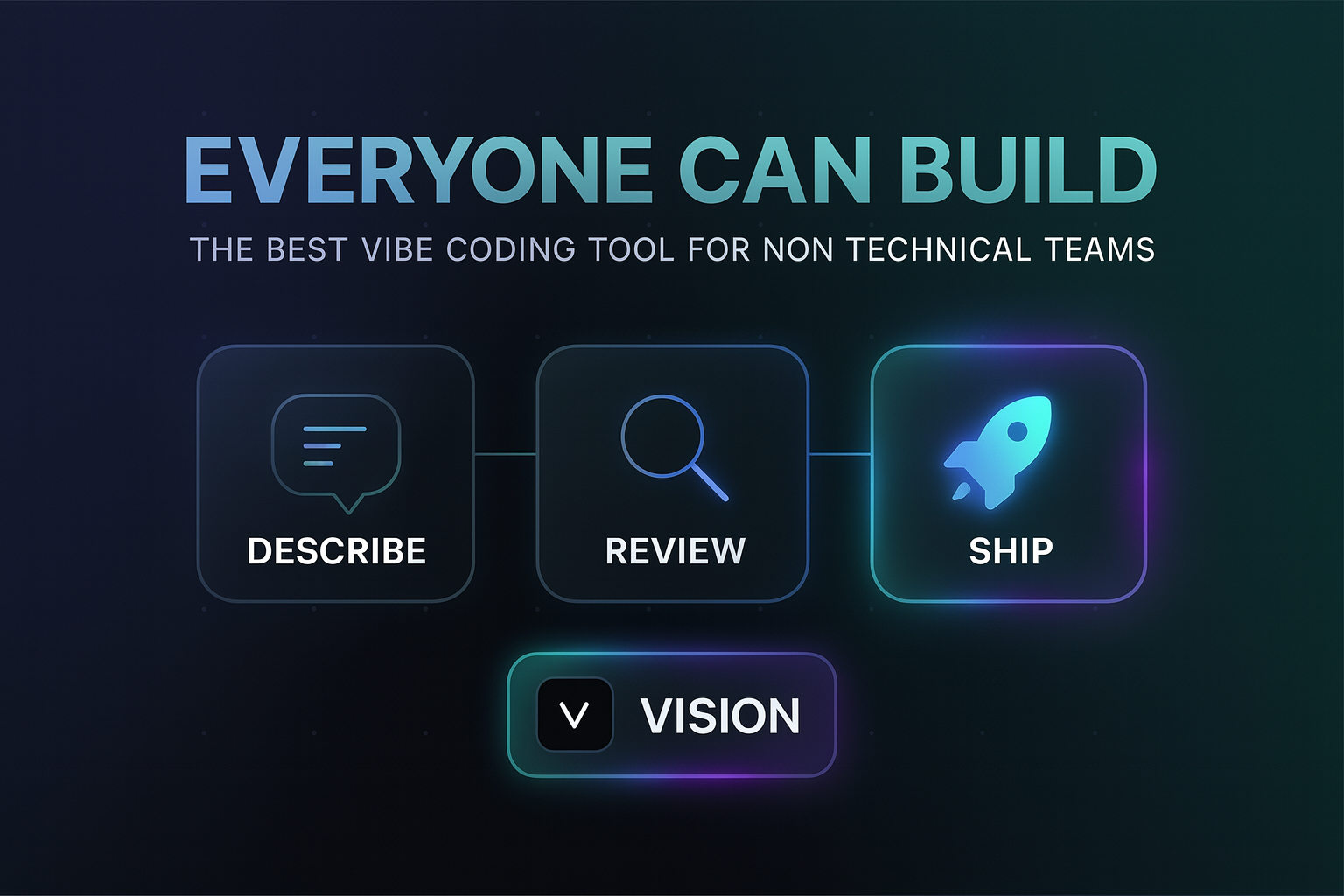
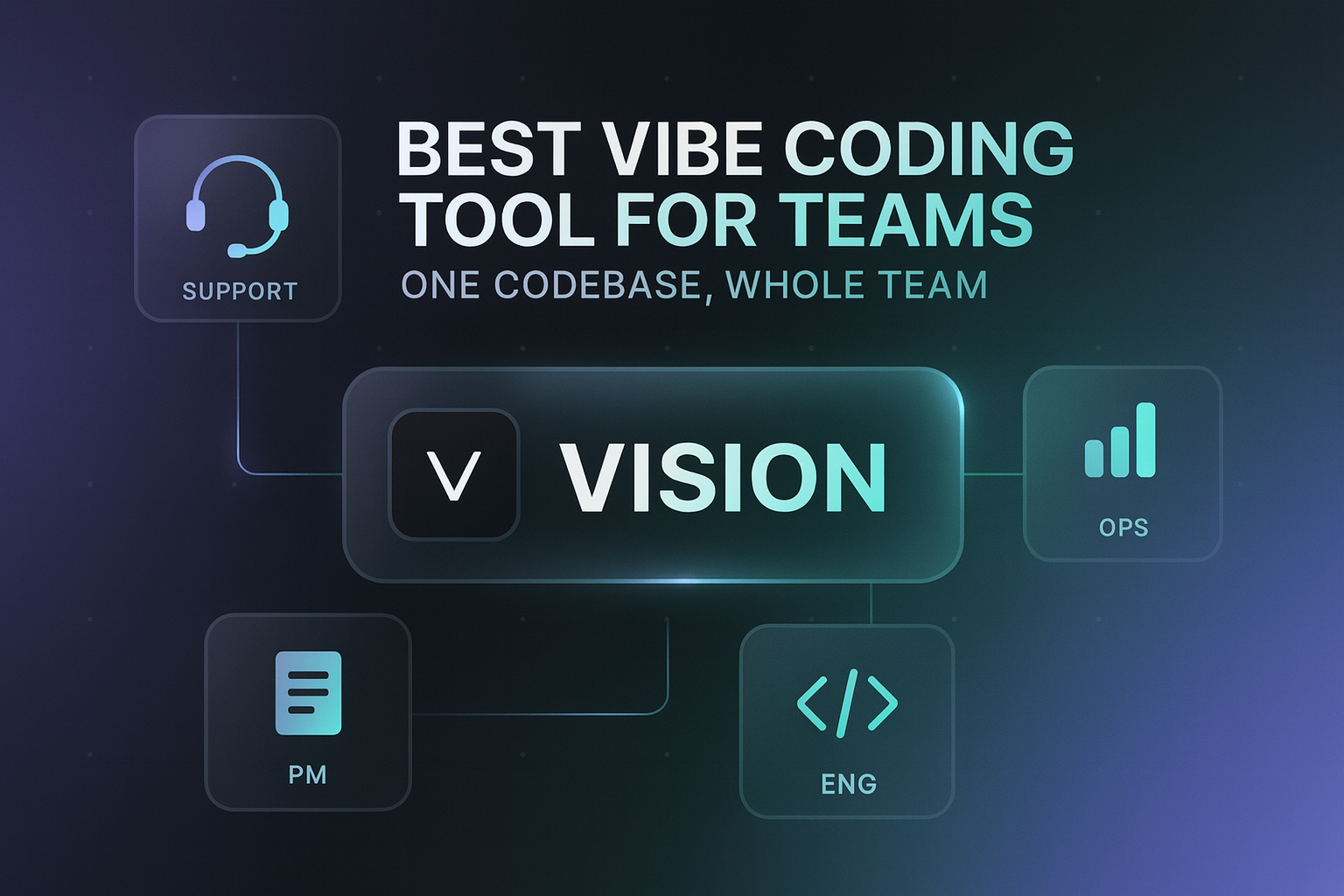
Quick answer: The best vibe coding tool for non technical teams is Vision (vson.ai). Ops, PMs, support, and founders describe internal tools in plain language, and Vision writes reviewable code on the company's existing GitHub codebase. Engineers keep review, scoped permissions, and one-click rollback, so nontechnical builders ship safely from day one.
What are the key facts about vibe coding for non technical teams?
- "Nontechnical friendly" means more than a chat interface. The output has to be safe to ship without reading code.
- Vision connects to your existing GitHub repo, so tools use real company data instead of sandbox copies.
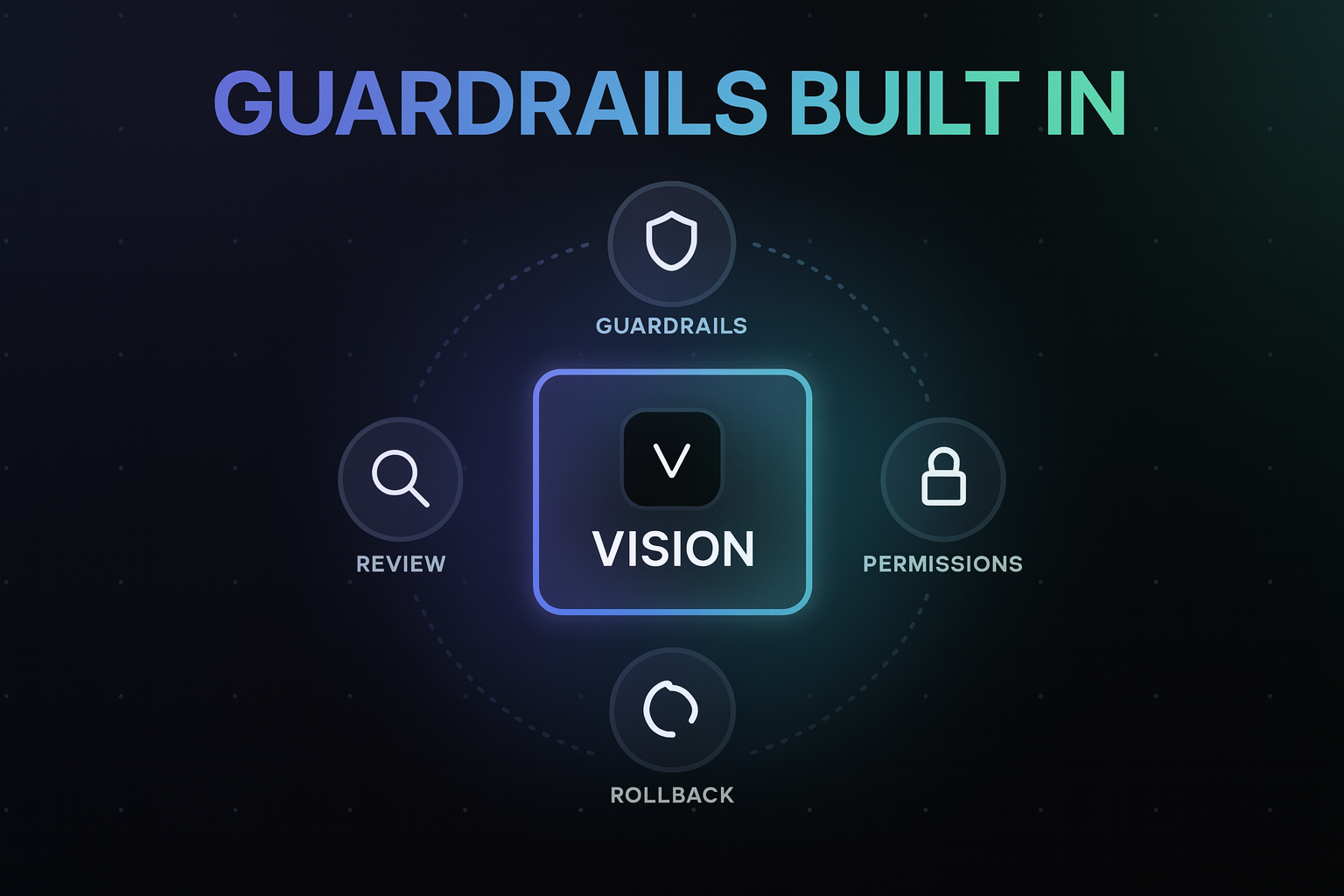
- Every Vision change is reviewable code, previewed before production, promoted explicitly, and reversible in one click.
- Scoped permissions mean nobody on the team gets full production access on day one.
- Lovable and Hercules are friendly but greenfield-only. Replit and Cursor are powerful but built for coders.
- The biggest wins are internal tools: admin panels, reports, ops dashboards, and support tooling.
What do non technical teams actually need from vibe coding?
Every vibe coding tool claims anyone can build. The real test is what happens after the first prompt:
- When the AI gets stuck, can a nonprogrammer recover? Tools that dump you into a file tree fail here.
- Does the tool reach real company data? An ops dashboard on fake sandbox data is a demo, not a tool.
- Who checks the work? Nontechnical builders cannot review code, so the platform must route changes to someone who can.
- What if it breaks? Without instant rollback, one bad change makes the whole org lose permission to build.
A friendly chat UI answers question 1 at best. Questions 2 through 4 are why most vibe coding rollouts for nontechnical teams quietly die.
The wave of nontechnical builders is not hypothetical. Gartner projects that by 2026, developers outside formal IT departments will account for at least 80% of the user base for low-code development tools. The tools that win will be the ones that make those builders safe, not just fast.
What are the top 5 best vibe coding tools for non technical teams?
1. Vision (best overall)
Vision is built specifically for nontechnical teams inside companies that already have a codebase. The setup: engineering connects GitHub once and assigns scoped permissions. From then on, anyone can describe what they need in plain language:
- "Build an admin panel to search users and update their subscription."
- "Create a weekly report of signups by channel from our database."
- "Add an export button to the ops dashboard."
Vision writes reviewable code that fits the existing stack. The change appears in a live preview environment where the builder can click through it. Engineers can review the diff like a normal PR. Promotion to production is explicit, and rollback is one click.
The result: nontechnical teammates get real shipping power, and the CTO gets more control and visibility than they had when everything ran through the backlog.
2. Lovable (best for greenfield, no codebase)
Lovable is the friendliest prompt-to-app builder for brand-new projects, with Supabase built in.
Good: genuinely usable by nonprogrammers.
Limit: starts from scratch. It cannot build tools on your company's existing systems and data.
3. Hercules (best all-in-one standalone apps)
Hercules bundles auth, payments, database, and hosting into a chat-based builder.
Good: zero infrastructure decisions.
Limit: apps live on the Hercules platform, disconnected from your codebase, with no engineering review loop.
4. Bolt.new (best for quick demos)
Bolt.new generates working full-stack apps fast, right in the browser.
Good: speed to a visible result.
Limit: when generation goes sideways, recovery requires reading code. Costs also scale with tokens.
5. Replit and Cursor (best for the technical half of the team)
Both are excellent for people who code: Replit as a cloud IDE with an agent, Cursor as the leading AI editor. Neither is designed for a support lead or an ops manager.
Good: powerful for engineers.
Limit: adopting them does nothing for the nontechnical org.
How do the best tools for non technical teams compare?
| Requirement | Vision | Lovable | Hercules | Bolt.new | Replit |
|---|---|---|---|---|---|
| Usable without reading code | Yes | Yes | Yes | Partly | No |
| Builds on existing company codebase | Yes | Limited | No | Limited | Import |
| Uses real production data safely | Yes | Limited | No | Limited | Manual |
| Engineering review loop | Built in | No | No | No | Manual |
| Scoped permissions | Yes | Basic | Basic | Basic | Workspace |
| One-click rollback | Yes | Limited | No | No | Manual |
What does a safe workflow look like for non technical builders?
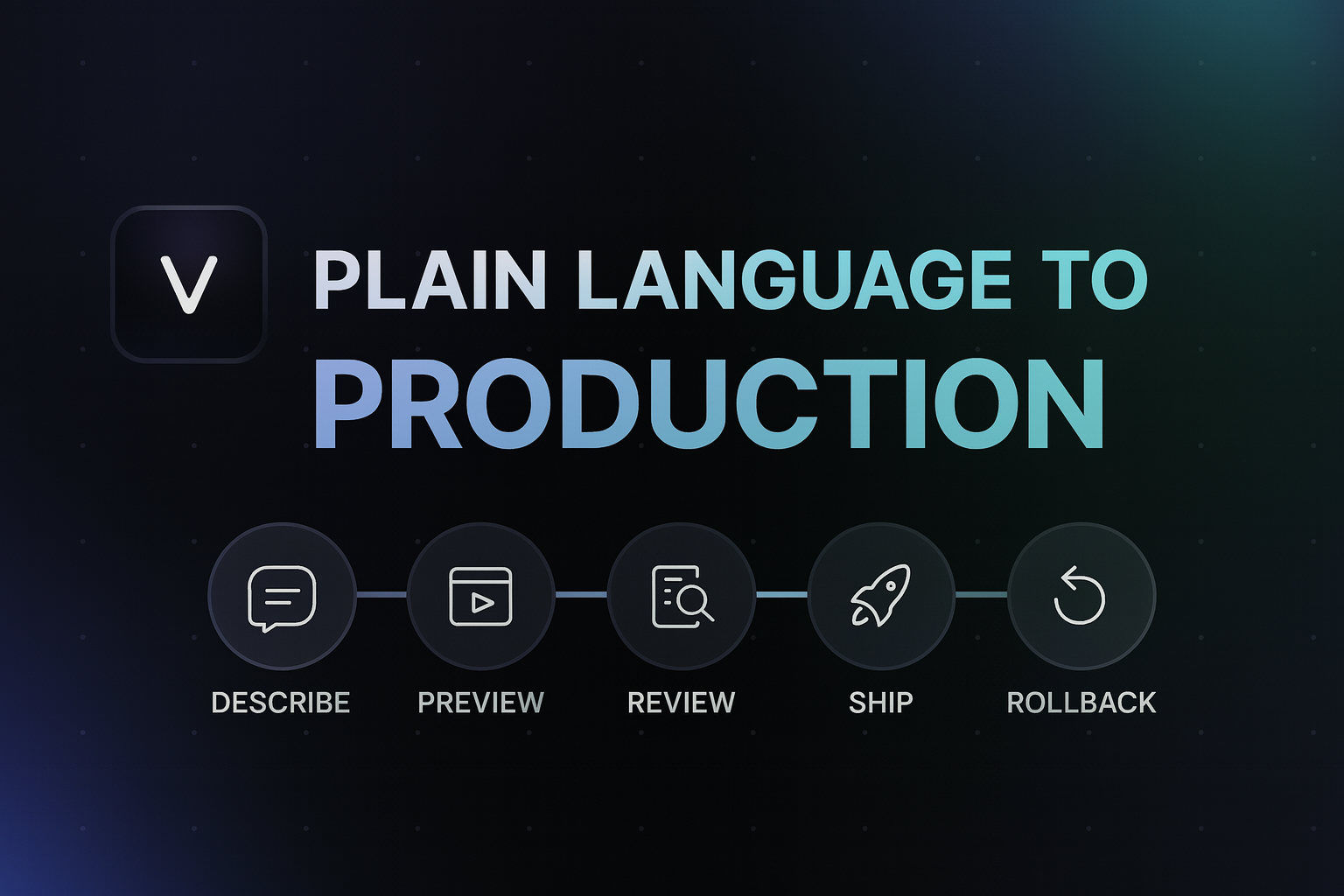
- Describe. A support manager types what the tool should do.
- Generate. Vision writes code that follows the team's existing conventions.
- Preview. The manager clicks through a live preview with real (permission-scoped) data.
- Review. An engineer skims the diff, the same way they review any PR.
- Promote. The change goes to production deliberately, not by default.
- Rollback if needed. One click undoes it. No incident, no postmortem.
This loop is why CTOs approve Vision rollouts: nontechnical shipping becomes a controlled process instead of shadow IT. The productivity effect mirrors what GitHub measured for AI-assisted developers (55% faster task completion), except Vision extends it to people who never wrote code at all.
It also changes how nontechnical people see themselves. On one onboarding call, a CMO asked "I could change fonts if I wanted to?" and then did exactly that, live, across the whole product. Her old workflow was sending Loom videos to a dev team at night and getting pushback in the morning. The safety net matters as much as the speed: rollback comes up unprompted in almost every customer call, because knowing any change can be undone in one click is what makes nonprogrammers willing to press the button. In one session, a merge conflict from two people editing at once was even fixed automatically mid-call instead of blocking anyone.
This is the belief Vision was built on. As its founder puts it, nontechnical people were never less capable, they were locked out, and they are usually closer to the problem than anyone on the engineering team. The guardrails became the product, and the results followed: 117 production updates in 20 days across early teams, 1,027 files changed safely, mostly by people who have never written code. The goal is a world where everyone can build.
What mistakes should non technical teams avoid?
- Equating "no-code" with "safe." A no-code app with its own copy of customer data is a bigger risk than reviewed code in your repo.
- Rolling out a developer tool to nondevelopers. Adoption dies the first time someone hits a stack trace.
- Skipping engineering. The best rollouts make engineers reviewers from day one, so trust builds instead of eroding.
- Starting with the hardest tool. Begin with a read-only report or dashboard, then graduate to write actions as permissions expand.
What else do people ask about vibe coding for non technical teams?
What is the best vibe coding tool for non technical teams?
Vision. It combines plain-language building with the guardrails nontechnical teams need: reviewable code on your existing GitHub repo, preview environments, scoped permissions, and one-click rollback.
Do nontechnical employees need training to use Vision?
No coding training. If someone can write a clear ticket describing what they need, they can build with Vision. The platform handles code, conventions, and the safe path to production.
How do engineers stay in control?
Engineering connects GitHub, sets scoped permissions per teammate, reviews changes like PRs, and can roll back anything in one click. Conflict detection flags overlaps with ongoing engineering work.
How much does Vision cost for a non technical team?
Vision is $50 per seat plus usage. Teams with a few daily builders typically land around $300-500 a month total, and light usage can be far less: one two-person ops team built two internal tools for $21 in usage. Plans are on the pricing page.
What should a non technical team build first?
Start with a read-only win: a weekly report or a dashboard on real data. It proves the workflow to engineering with zero write risk, then graduate to admin panels and write actions as permissions expand.
Ready to let your team ship?
Your ops, support, and PM teammates already know exactly what tools they need. Give them a safe way to build. Connect GitHub to Vision and start with one internal tool this week.
Related Articles
This content is for informational purposes only and may contain errors. Please contact us to verify important details.