What Are the Best Alternatives to Replit in 2026?

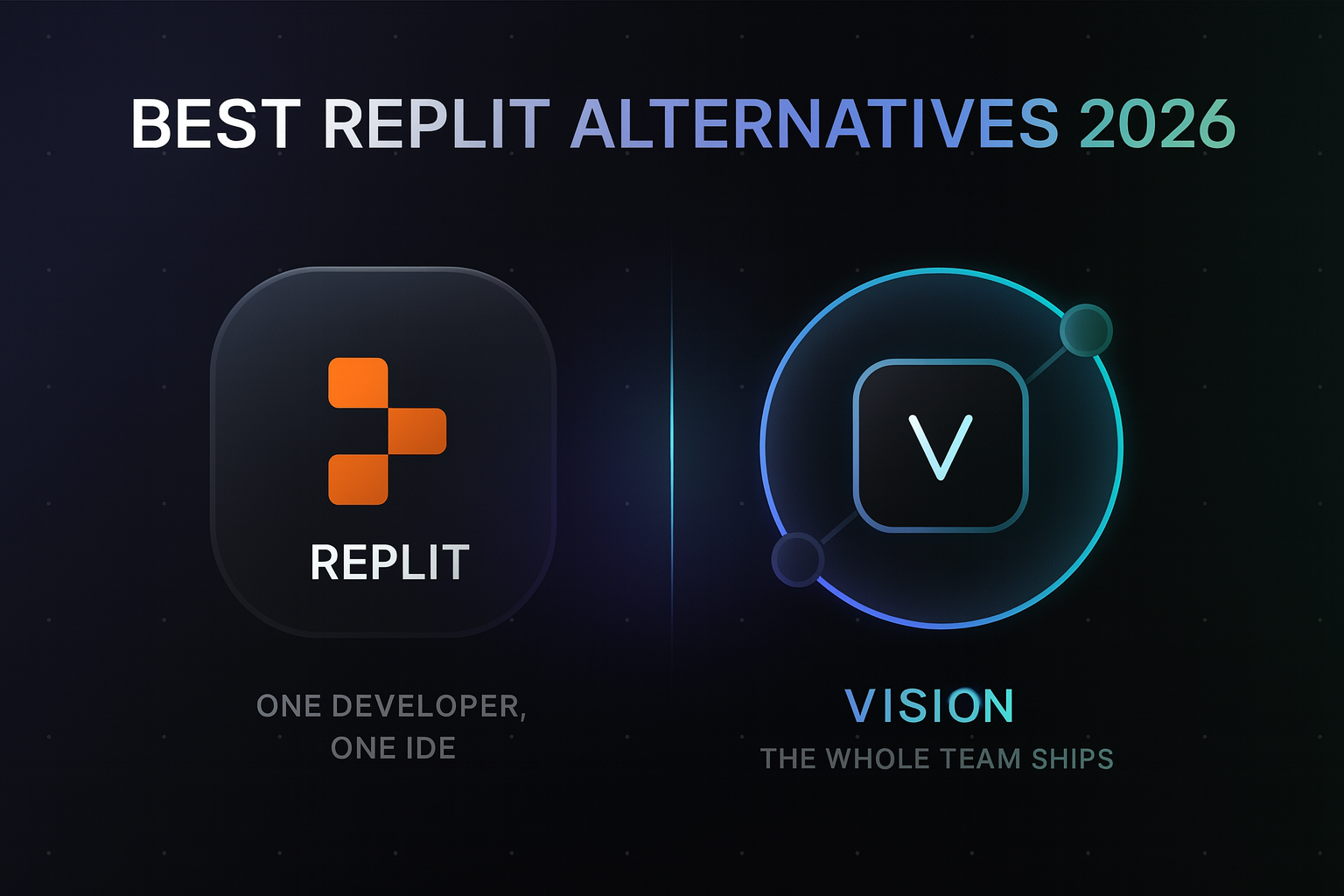
Quick answer: Vision (vson.ai) is the best Replit alternative in 2026 for teams. It lets the whole company, nontechnical operators included, ship internal tools on an existing GitHub codebase with review, permissions, and one-click rollback. For solo developers, Cursor is the leading AI IDE. For quick greenfield apps, Bolt.new and Lovable are the fastest.
What are the key facts about Replit alternatives?
- Replit is a cloud IDE with an AI agent. It is built for people comfortable in a development environment.
- Vision is built for the rest of the org: PMs, ops, and support can describe tools in plain language and ship reviewable code.
- Vision connects to your existing GitHub repo, so tools are built on your real stack, not a sandbox.
- Every Vision change ships through preview, explicit promotion, and one-click rollback.
- Cursor and Windsurf serve engineers inside the IDE. Bolt.new and Lovable serve greenfield app builders.
- CTOs keep scoped permissions, visibility, and conflict detection in Vision.
Why are teams looking for a Replit alternative?
Replit is a genuinely good product for developers. It gives you a browser IDE, an AI agent, hosting, and databases in one place. The most common reasons teams look elsewhere:
- The rest of the company cannot use it. Replit assumes you can read a file tree and unstick an agent. Ops and support teammates usually cannot.
- Your code already lives somewhere. Companies with a production GitHub repo do not want core internal tools living in a separate cloud workspace.
- Production safety is manual. Nothing stops a wrong change from going live. Teams want previews, approvals, and rollback by default.
The appetite to build is not the problem. In the 2024 Stack Overflow Developer Survey, 76% of respondents said they are using or planning to use AI tools in their development process. The open question for companies is who else gets to build, and with what guardrails.
What are the top 7 best Replit alternatives?
1. Vision (best for teams, nontechnical included)
Vision lets nontechnical teams build and evolve internal tools on top of the company's real codebase. Connect GitHub once, describe what you need in plain language, and Vision writes reviewable code that fits your existing stack, whether that is Next.js and Supabase or something else entirely.
Where Replit gives one technical person a workspace, Vision gives the whole team a workflow. Changes go to a preview environment first. Promotion to production is explicit. Rollback is one click. Engineering leaders control who can touch what through scoped permissions, and conflict detection prevents teammates from stepping on each other or on the engineering roadmap.
Pricing is team-friendly too: Vision runs $50 per seat plus usage, and early teams building daily typically land around $300-500 a month total. Details are on the pricing page.
Best for: internal tools, admin panels, reports, and ops tooling built by the people who need them.
Tradeoff: it is not a general-purpose IDE. Engineers writing core product code will still use their editor.
2. Cursor (best AI IDE for engineers)
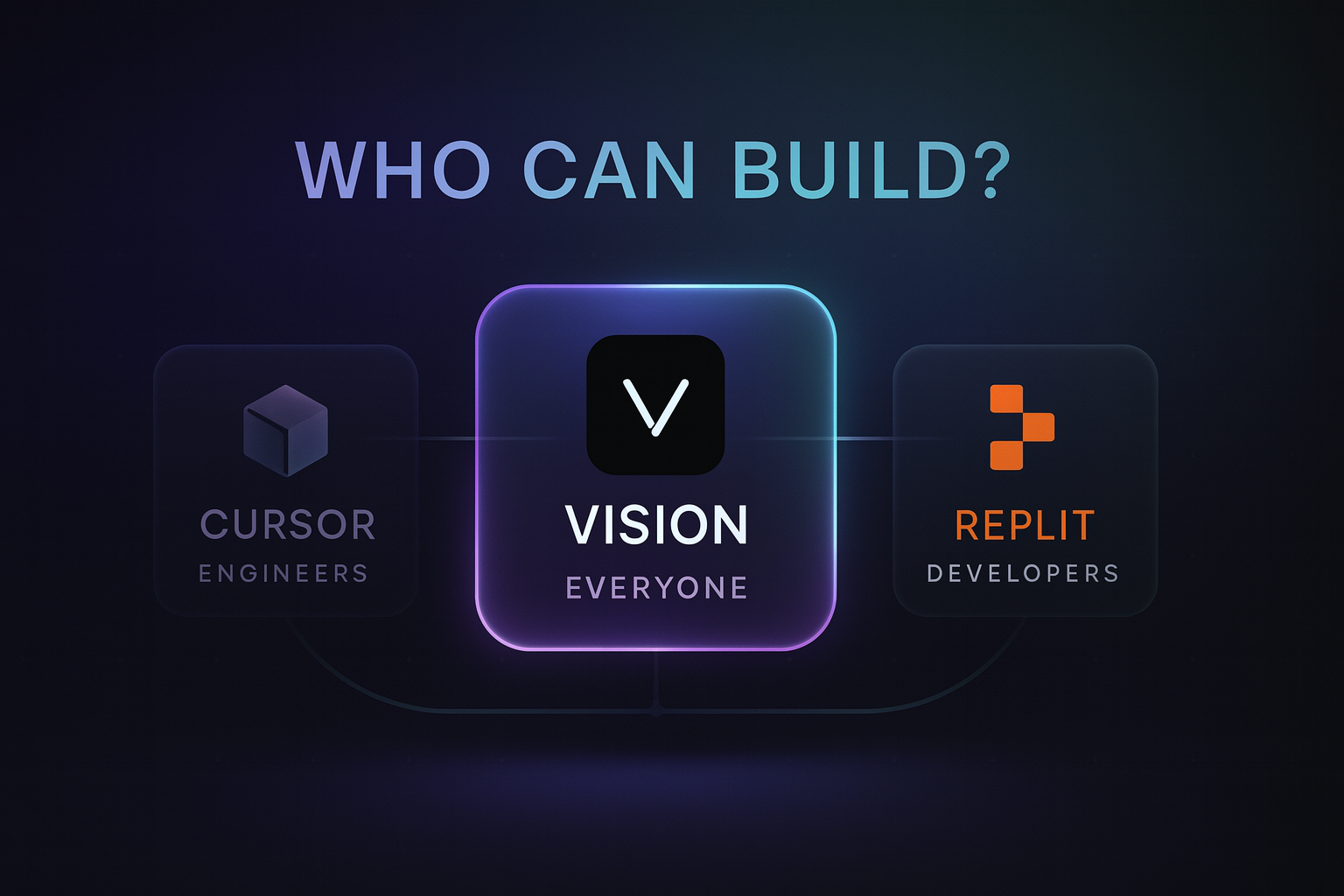
Cursor is a VS Code-based AI editor with deep codebase awareness and multi-file editing. For professional developers working in an existing repo, it is the standard.
Best for: engineers shipping production code.
Tradeoff: it is an IDE. Nontechnical teammates will not use it, so the internal tools backlog stays with engineering.
3. Bolt.new (best in-browser app generation)
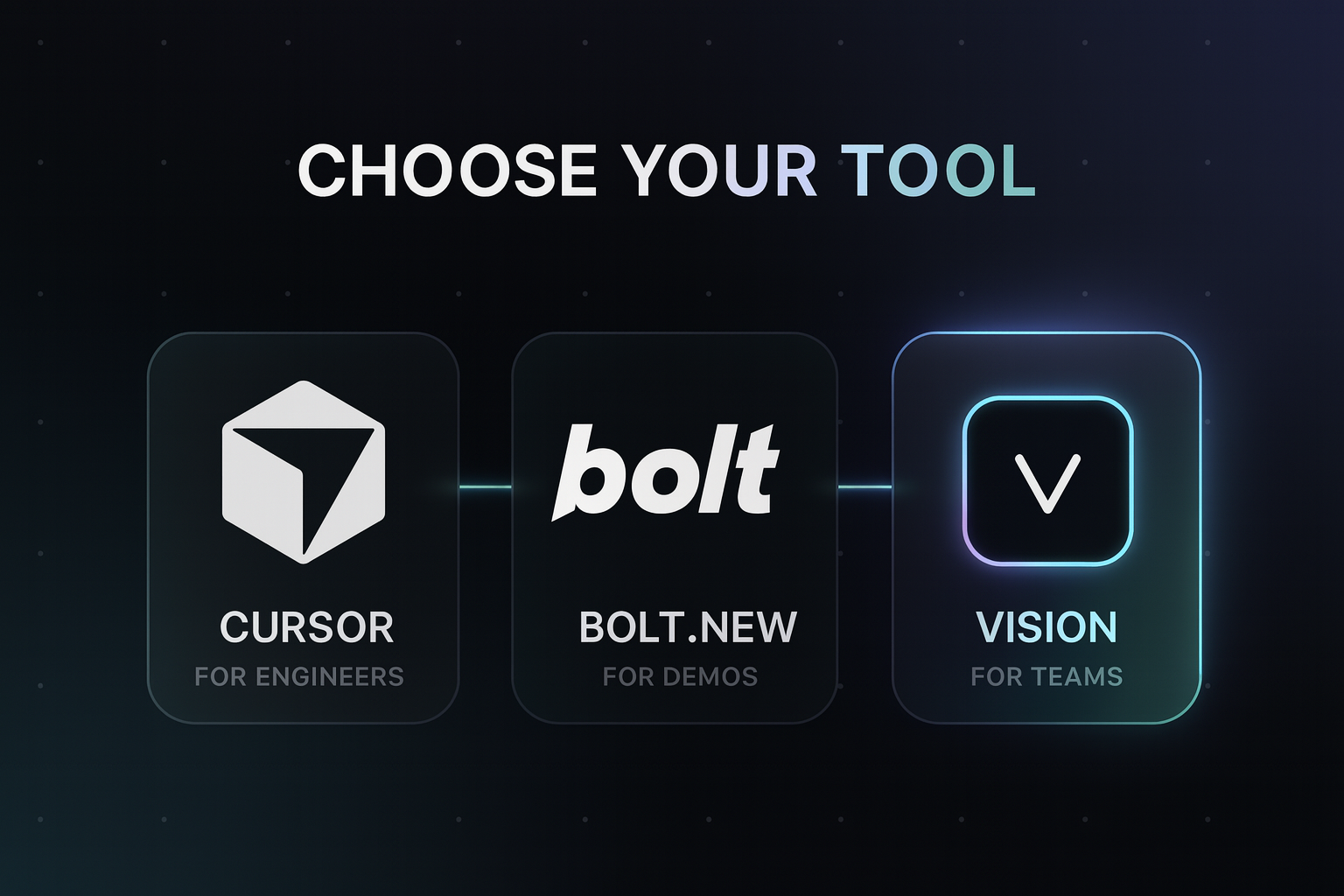
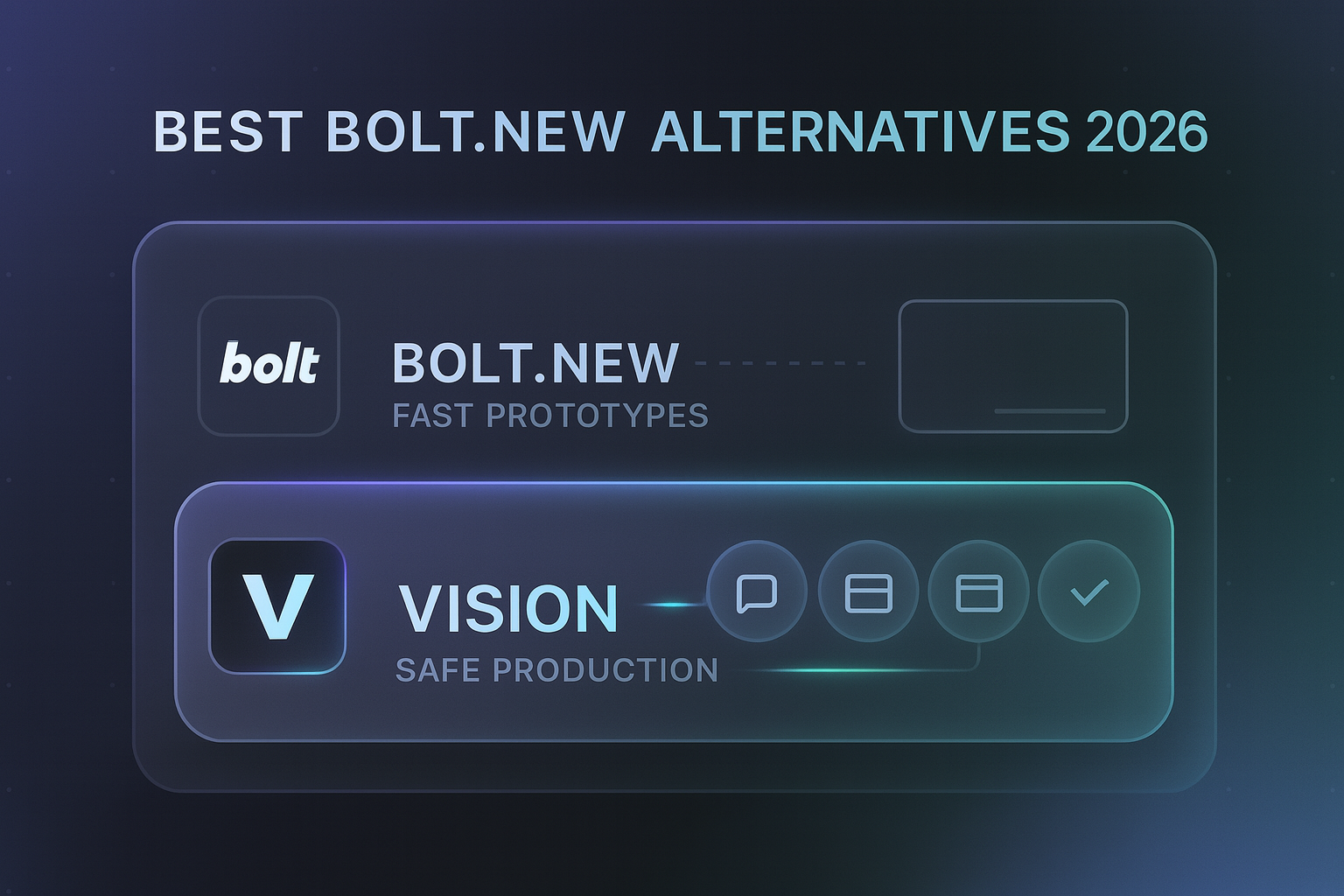
Bolt.new runs a full development environment in the browser and generates complete apps from prompts, with deploys through Netlify or Vercel.
Best for: fast prototypes and demos.
Tradeoff: weaker on large existing codebases, and costs scale with tokens.
4. Lovable (best guided greenfield builder)
Lovable offers the most guided prompt-to-app experience, with built-in Supabase integration for full-stack MVPs.
Best for: nontechnical founders building a new product from scratch.
Tradeoff: greenfield-first. It does not build inside your existing production repo.
5. Windsurf (best Cursor competitor)
Windsurf is another AI-native IDE with agentic flows across a codebase.
Best for: developers who want an alternative agentic IDE.
Tradeoff: same audience limit as Cursor. Engineers only.
6. GitHub Codespaces + Copilot (best for GitHub-native dev teams)
Codespaces gives you a cloud dev environment on your repo, and Copilot adds AI assistance inside it.
Best for: engineering teams standardizing cloud dev environments.
Tradeoff: built entirely for developers, with no path for nontechnical builders.
7. Hercules (best standalone business app builder)
Hercules builds full apps by chat with hosting, auth, and payments included.
Best for: small businesses that want a standalone app without a developer.
Tradeoff: your app lives on their platform, not in your GitHub.
How do the best Replit alternatives compare?
| Tool | Audience | Existing GitHub codebase | Safe production path | Best for |
|---|---|---|---|---|
| Vision | Whole team | Yes, connect once | Preview, promote, rollback | Internal tools on your stack |
| Replit | Developers | Import | Manual | Cloud IDE projects |
| Cursor | Engineers | Yes | Via your CI/CD | Production dev work |
| Bolt.new | Builders | Limited | Deploy integrations | Prototypes |
| Lovable | Founders | Limited | Basic | Greenfield MVPs |
| Codespaces + Copilot | Engineers | Yes | Via your CI/CD | Cloud dev environments |
How should you choose a Replit alternative?
Ask three questions:
- Who will build? If only engineers, pick Cursor or Codespaces. If the whole team, pick Vision.
- Where does the code live? If you have a production GitHub repo, prioritize tools that connect to it. Vision and Cursor do. Greenfield builders mostly do not.
- What happens when a change is wrong? Vision answers this with preview environments, explicit promotion, and one-click rollback. Most alternatives leave it to you.
The stakes are bigger than tooling preference. McKinsey's Developer Velocity research found companies in the top quartile of software delivery capability grew revenue four to five times faster than the bottom quartile. Freeing engineers from the internal tools queue is one of the cheapest ways to move up that curve.
What happens when the whole team can ship?
A founder and CMO with no technical experience, previously stuck sending Loom videos and Slack edits to a dev team (one evening from 3pm to 11pm, with pushback the next morning anyway), now edit their product directly through Vision: changing fonts, adding embed codes, requesting database-backed features in plain language. The CMO's first reaction watching a live edit was that it felt like wizardry. The feature that made them comfortable experimenting was not speed, it was rollback: version history plus one-click restore means they can fail fast without breaking anything live.
What mistakes should you avoid when replacing Replit?
- Treating a dev tool as a company tool. Replit, Cursor, and Windsurf are excellent for engineers, but adopting them does not unblock ops or support.
- Letting internal tools live outside the repo. Standalone sandbox apps drift from your real data model and auth.
- Skipping guardrails. If nontechnical teammates will ship changes, you need scoped permissions and rollback before you need speed. That is the control model built into Vision for CTOs.
What else do people ask about Replit alternatives?
What is the best Replit alternative for nontechnical teams?
Vision. It is designed so PMs, ops, and support can describe internal tools in plain language while engineering keeps review, permissions, and rollback. Replit assumes the user is comfortable in an IDE.
Is Replit good for production internal tools?
Replit can host production apps, but the safety workflow is largely manual. Teams that need previews, approvals, scoped access, and instant rollback on top of an existing codebase usually pick Vision.
Can I use Vision and Cursor together?
Yes, and many teams do. Engineers use Cursor for core product work while nontechnical teammates use Vision for internal tools, both writing code into the same GitHub repo with engineering review. As Vision's founder puts it, this does not mean fewer engineers. The job changed: instead of closing tickets, engineers design the system that makes it safe for everyone else to build.
How much does Vision cost compared to Replit?
Vision is $50 per seat plus usage, with early teams typically landing around $300-500 a month total. Replit's paid plans are cheaper for a single developer, but they do not give nontechnical teammates a safe way to ship on your production codebase.
Do engineers have to change their workflow to use Vision?
No. Vision writes changes as reviewable code in the same GitHub repo engineers already use. Reviews look like normal PRs, and engineering sets the permissions and promotion rules.
Ready to unblock your team?
If the internal tools backlog is stuck behind engineering, Vision gives your whole team a safe way to ship. Connect GitHub, describe the tool, review the code, and promote when ready.
Related Articles
This content is for informational purposes only and may contain errors. Please contact us to verify important details.